


Does iPad Have Wireless Charging? What You Need to Know

No current iPad model works with wireless charging right out of the box. While iPhones have used this technology for years, the iPad still needs a wired cable for daily power. This missing feature often surprises owners who want a clean, cord-free space.
Browse our premium charging stations to find the perfect multi-device hub for your Apple setup.
Does iPad have wireless charging? The simple answer is no. Apple has not built wireless charging coils into any iPad model. To power your tablet, you must use a USB-C or Lightning cable linked to a wall plug. As shown by Apple Support, these devices need a direct wired connection to receive the fast power they require. Some users adopt special cases or magnetic docks to get a cord-free feel, but these are add-ons, not part of the tablet itself.
Understanding what your devices can and cannot do helps you build a better charging setup. The next section explains which iPad models lack wireless charging and how to keep your workspace organized.
Does iPad Have Wireless Charging? No iPad Model Has Built-In Wireless Charging
Many users ask, does iPad have wireless charging? While this technology is standard on most new phones, the answer for iPads is no. Apple has not yet added native wireless charging to any of its tablets, including the iPad Pro, iPad Air, and iPad mini. Every model still relies on a physical wired connection.
Current iPad models and charging methods
You may assume your iPad charges like your iPhone, but it does not. Every model in the lineup uses a physical port. The iPad Pro and iPad Air now use USB-C, while older models use Lightning connectors. Even the small iPad mini lacks the coils needed for built-in wireless power.
Key reasons Apple has not made the switch:
- Battery size: A standard iPad has a 25Wh battery. Most iPhones range from 10 to 15Wh. Standard Qi charging at 7.5W to 15W would take many hours to fill an iPad battery.
- Charging speed: Apple prioritizes fast wired charging through USB-C for a better user experience.
- Physical constraints: The metal back of iPads blocks wireless power transfer, and adding glass would increase weight and fragility.
The role of the Smart Connector
While native wireless charging is absent, Apple does offer other magnetic connectivity. Some iPads include a Smart Connector on the back with three small pins for power and data. This port is commonly used with keyboards, but third-party brands also make charging stands that use this connection. These docks hold the tablet and provide a "wireless feel" without a traditional charging mat.
For a tidy desk setup, pairing your iPad with one of the best iPad charging dock stations that use a physical USB-C connection ensures the fastest speed and a steady connection. High-wattage power adapters charge modern iPads much faster than any wireless pad could.
Why iPads Don't Support Wireless Charging
The lack of native wireless power in iPads surprises many users accustomed to iPhone convenience. This is not an oversight but a result of clear engineering trade-offs.
- Power and battery scale: A standard iPad packs a 25Wh battery, more than double a typical iPhone's 10-15Wh. Standard Qi pads deliver only 7.5W to 15W, making a full charge impractically slow.
- Heat management: Wireless charging generates significant heat. A larger battery requires more power transfer, creating even more heat that can accelerate battery degradation.
- Materials and design: iPads use metal backs for durability and premium feel, but metal blocks electromagnetic induction. Switching to glass would add weight and fragility.
- Engineering cost: Adding large charging coils across multiple screen sizes adds manufacturing complexity with limited benefit when wired charging is already fast and reliable.
According to Anker, this size and power mismatch makes current wireless technology impractical for tablets. Until a new standard delivers higher wattage safely, wired charging remains the best option. For those who want a clean desk without slow wireless speeds, a quality iPad charging station provides a stable home that keeps the device powered and organized.
What Are the Best Wireless Workarounds for iPad?
Since iPads lack built-in wireless charging, several workarounds exist for users who want to minimize cable use. Here are the most practical options ranked by convenience:
- Smart Connector chargers: Magnetic docks that connect via the three-pin Smart Connector on select iPad Pro and iPad Air models. The fastest option, reaching up to 35W on M4 models.
- Qi receiver pads: Thin adhesive patches that plug into the USB-C port and enable standard Qi charging, though at slower speeds.
- Keyboard case passthrough: The Magic Keyboard and similar cases have USB-C ports that charge the iPad through its Smart Connector, keeping the main port free.
- Magnetic case and dock sets: Custom cases from brands like PITAKA that integrate charging pins and pair with a dedicated dock.
Smart Connector chargers in detail
Magnetic Smart Connector chargers offer the closest experience to true wireless charging. These tools snap into place using the three gold pins on the back of compatible iPads. This method is more stable than a standard Qi pad because magnets hold the device securely in position.
Speed depends on your iPad model. Newer iPads with the M4 chip can charge at 35W. Models with M2 or M3 chips typically charge at up to 18W. Only iPads with the Smart Connector on the back (iPad Pro and newer iPad Air) support this method.
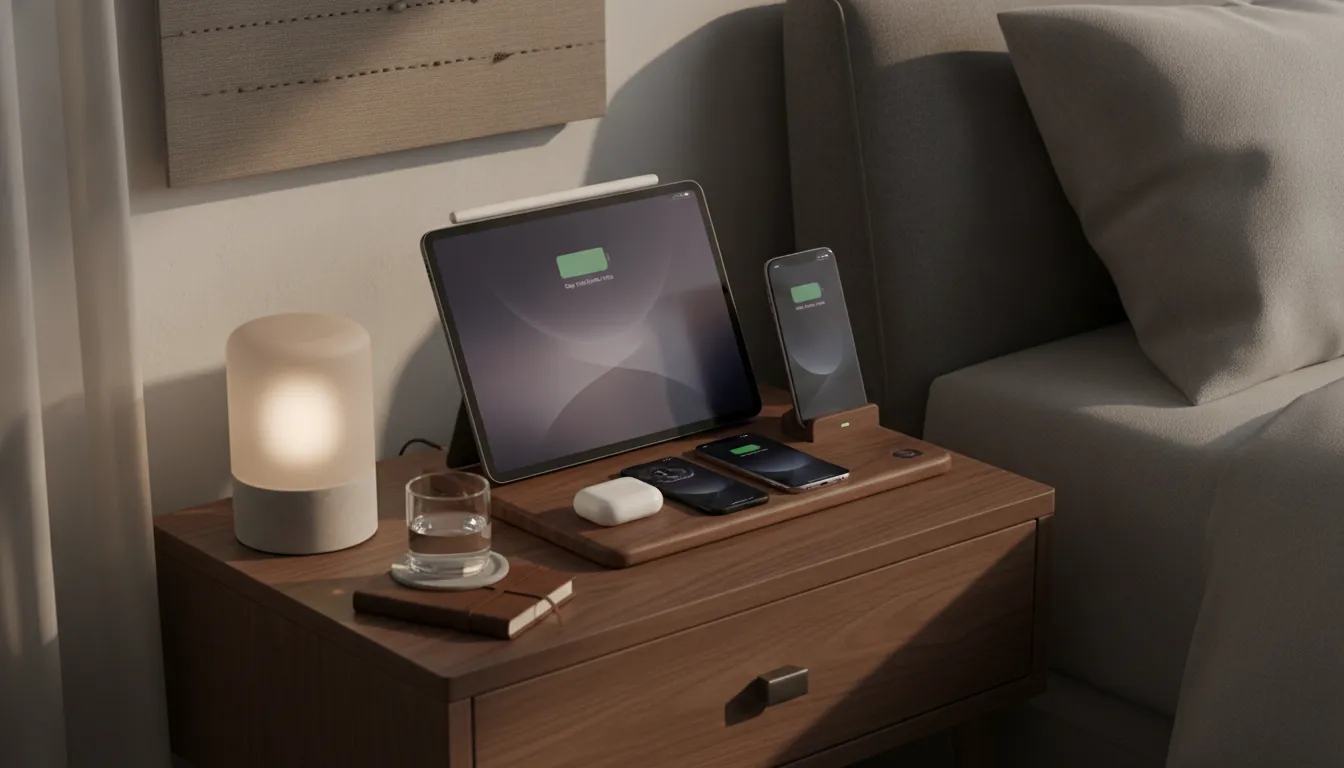
Comparison: Smart Connector vs. Standard Qi
| Feature | Smart Connector Charger | Standard Qi Wireless |
|---|---|---|
| Connection Type | Magnetic pins | Induction coil |
| Max Speed | 35W (M4 models) | Not supported on iPad |
| Ease of Use | Snap and go | Requires alignment |
| Stability | Magnetically locked | Easy to bump out of place |
| Device Compatibility | iPad Pro, iPad Air only | Theoretically universal |
Qi Receiver Pads, Keyboard Cases, and Magnetic Docks
Using Qi receiver pads
A Qi receiver pad is a thin patch that sticks to the back of your iPad. It has a ribbon cable that plugs into the USB-C port, and you slide the whole assembly under a slim case. This lets you use any standard wireless charging mat. However, these pads charge slowly and add bulk to your iPad's profile.
Keyboard case charging passthrough
The Magic Keyboard has a USB-C port in its hinge for passthrough charging. You plug your power cable into the keyboard, and power flows through the Smart Connector to the iPad. This keeps the iPad's main USB-C port free for external storage or accessories.
Magnetic case and dock systems
Brands like PITAKA offer custom cases with built-in charging pins that pair with a dedicated dock. When you set the iPad on the stand, it clicks into place and begins charging. These systems are slim and attractive but cost more than standard cases and lock you into a single dock ecosystem.
How to Charge Your iPad for the Best Results
While iPhones and AirPods use wireless pads, iPads still need a wired connection. Here is how to optimize your iPad charging setup:
- Use high-wattage USB-C: Modern iPads support fast charging through USB-C. Use a power adapter that delivers at least 20W for optimal speed. M4 models can handle up to 35W.
- Use a MacBook power brick: If you have a Mac laptop, its power adapter charges your iPad even faster than the included brick.
- Invest in a dedicated station: A well-designed iPad charging station hides cables and keeps your tablet upright and accessible.
- Avoid low-wattage iPhone bricks: Older 5W or 12W iPhone chargers will power an iPad but take significantly longer to reach full charge.
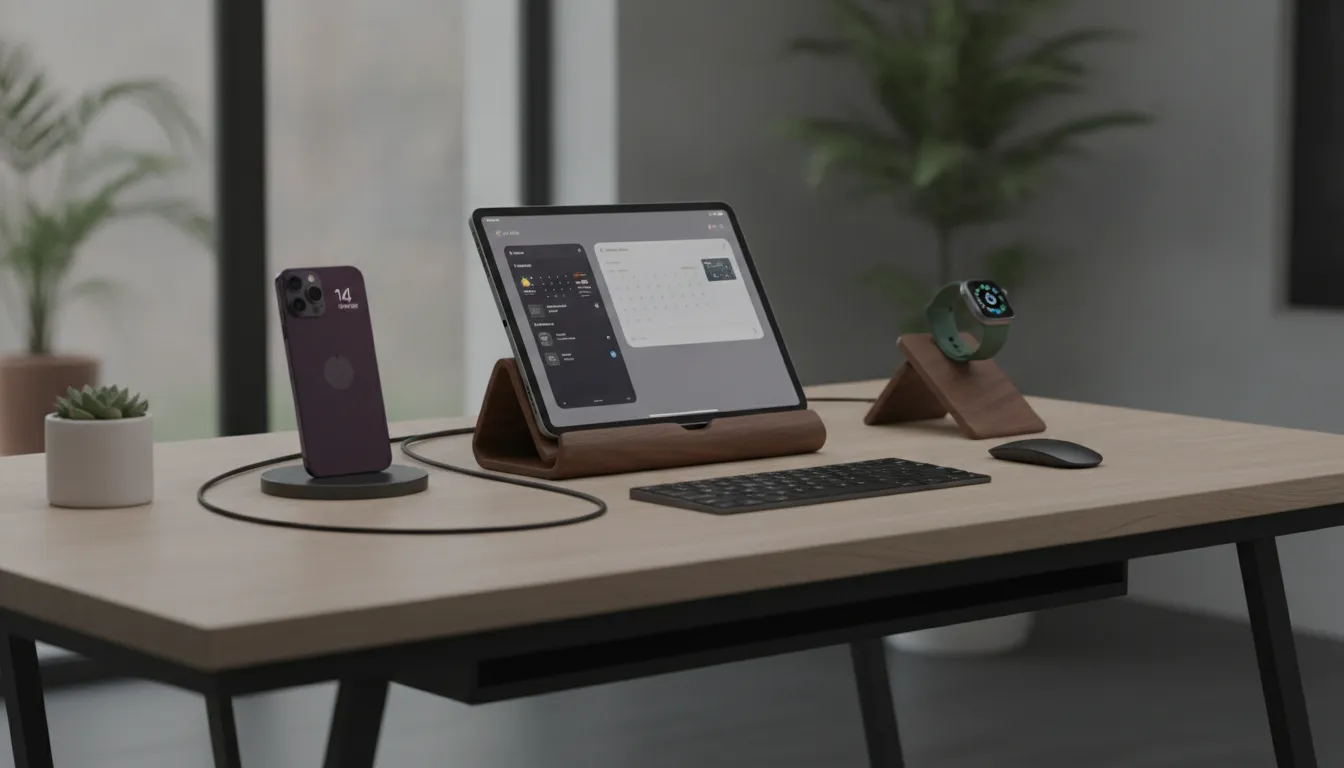
Why wired charging wins for iPads
Wired charging offers clear advantages for tablets. It delivers faster power transfer, generates less heat than wireless alternatives, and allows you to use the device while it charges. A cable connection also stays reliable regardless of device position, unlike wireless pads that can lose alignment.
Build a Complete Charging Station for Your Apple Devices
A well-designed charging station does more than power your devices. It brings order to your nightstand or desk while keeping everything within reach. While your iPad needs a wired connection, a multi-device hub like the NYTSTND QUAD or NYTSTND TRIO handles the rest of your Apple devices wirelessly.
Centralize your power hub
A multi-device charging station transforms a tangle of cables into an organized display. These handcrafted hubs use real wood and full-grain leather to complement your home decor. Instead of managing three separate wall plugs, you use a single cable. This approach reduces visual noise and ensures every device has a dedicated home.
Wireless power for iPhone, AirPods, and Apple Watch
NYTSTND stations feature MagSafe compatible spots for your iPhone and AirPods. Simply place your phone on the pad and the magnetic grip holds it in position for a fast, reliable charge. Your Apple Watch gets its own dedicated spot, perfect for Nightstand Mode or quick time checks at a glance. For a complete overview of available options, explore the wireless chargers collection.
Manage your iPad connection within a unified setup
Since iPads require a wired connection, a premium charging station often includes cable management channels or a built-in USB-C port to keep things tidy. This lets you maintain the speed of a wired connection while enjoying the visual cleanliness of a wireless setup. The NYTSTND DUO is an excellent option for smaller spaces where an iPad charges alongside a single primary device.
For those starting from scratch, the best wireless desk charger guide offers recommendations for keeping your workspace clean and your devices powered. And if you are building a bedside setup, the best bedside phone charger roundup covers premium options for the bedroom.
Frequently Asked Questions
Does iPad support MagSafe charging?
No current iPad models support MagSafe charging. While iPhones use a ring of magnets for this feature, iPads lack the internal components. You can find magnetic stands, but they do not use the same technology as an iPhone. For the best result, use a high-quality USB-C cable. According to Anker, a wired connection remains the most reliable method.
Can I use a wireless charging pad for my iPad?
You cannot use a standard wireless charging pad to charge an iPad directly. The metal back of the tablet blocks the power transfer from the pad. To use a pad, you would need a special case with a built-in coil. Brands like PITAKA offer these cases for select models. Without a case, your iPad will not respond to any Qi or MagSafe charging pad.
How do I use the Magic Keyboard for charging?
The Magic Keyboard for iPad has a USB-C port on the side for pass-through charging. This lets you plug in your power cable while keeping the port on the iPad free for other tools. As noted by Apple, this is a convenient way to stay powered up while working at a desk. Simply snap your iPad onto the keyboard and plug the cable in.
Can I charge my iPad with an iPhone power brick?
You can use an iPhone charger for your iPad, but it will charge slowly. Most older iPhone bricks provide only 5W or 12W of power. iPads need at least 20W to charge at a reasonable speed. For the fastest charging, use a 20W or 30W USB-C adapter. A 35W adapter such as the one used for MacBook Air is ideal for the latest iPad Pro models.
Upgrade Your Apple Charging Setup Today
Your iPad may not support wireless charging out of the box, but that does not mean your desk or nightstand needs to be cluttered with cables. A premium charging station from NYTSTND brings organization to your Apple devices with handcrafted wood, full-grain leather, and MagSafe compatible charging for your iPhone, AirPods, and Apple Watch.
Explore NYTSTND charging stations and find the perfect multi-device hub for your home.
Previous article


