


Home Office Desk Charging Station: Organize Your Apple Setup in 2026

Remote work has turned the home office desk into a central command center for millions of professionals. Swapping separate wall plugs for a small charging station cuts visual noise and keeps an iPhone, Watch, and iPad powered in one spot. This upgrade creates a better workspace by giving every device a set home.
Start building your desk charging station today. Explore premium MagSafe multi-device chargers handcrafted from real wood and leather.
A home office desk charging station is a single hub that powers multiple Apple devices on your desk. Top models charge an iPhone, Apple Watch, and AirPods at once using MagSafe magnets for fast alignment. Premium stations use solid wood and full-grain leather to blend with fine decor. This setup keeps your essential tools ready while maintaining a clean, organized workspace.
Moving from separate chargers to one station is about more than just power. It is a deliberate shift toward style and order in your home workspace. Learning how a desk charging station organizer fits your workflow helps you build a better daily routine.
Why Your Home Office Desk Needs a Dedicated Charging Station
A dedicated charging station replaces multiple loose chargers with one compact hub, freeing desk space and reducing visual noise. It keeps an iPhone, Apple Watch, and AirPods in one spot so you never hunt for cables. This setup lowers stress and helps you stay focused on work.
Most home office desks become a catch-all for multiple Apple devices. You likely use an iPhone, a Watch, and AirPods throughout the day. Using separate chargers for each one takes up valuable surface area. A dedicated charging station solves this by consolidating everything in one footprint.
Reduce visual noise for better focus
A messy desk makes it harder to concentrate. Every loose cable or extra plug adds to the visual noise competing for your attention. By switching to a single desk charging station organizer, you remove those extra cords. This creates a clean look that helps you stay calm and on task throughout your workday.
Reclaim your desk real estate
Your desk has limited space for your laptop, mouse, notebooks, and coffee. When three or four separate chargers claim portions of that space, you lose room for actual work. A multi-device station uses a compact footprint to charge up to four items at once. Placing your devices on one stand keeps them within reach but out of your way.
Keep devices ready and powered
Nothing disrupts momentum like a dead battery right before a call. A dedicated station ensures your phone and watch always return to the same spot. Since these stations handle multiple devices simultaneously, every tool you use stays charged. This simple habit means your gear is always ready for your next meeting or deep work session.
What Are the Key Features of a Premium Home Office Desk Charging Station?
Premium charging stations deliver 15W MagSafe fast charging, use handcrafted wood and leather materials, and support up to four devices at once. They replace plastic chargers with furniture-grade pieces that integrate into your home decor while providing reliable, alignment-free power.
A high-quality charging station does more than power your phone. It serves as a central hub for workspace organization. The right unit combines technical performance with materials that match your decor.
Fast MagSafe and Qi2 Charging
Speed is the defining feature of any premium multi-device charging station. Top-tier models deliver fast wireless charging up to 15W with MagSafe optimization. Strong magnets align your iPhone perfectly every time, ensuring maximum power transfer without the heat that misaligned pads create. Newer units also support the Qi2 standard, bringing magnetic charging to a wider range of devices and keeping your setup future-proof.
Natural Wood and Leather Materials
Most basic chargers use thin plastic that looks out of place in a well-appointed room. Premium stations use solid wood and full-grain leather. These choices help the charger feel like fine furniture rather than a utility tool. Handcrafted wood bases provide a stable foundation that will not slide around your desk when you lift your phone. The leather surface protects glass devices from scratches. These materials develop character over time, while plastic cracks and fades. This focus on craftsmanship is a hallmark of the NYTSTND approach to charging accessories.
Capacity for All Your Devices
A good charging hub should handle your entire Apple setup in one spot. Premium products charge 1 to 4 devices simultaneously. For example, a desk charging station organizer can power an iPhone, Apple Watch, and AirPods at once. Some larger models include a USB-C port for an iPad or a second phone. NYTSTND offers several configurations to match different needs:
- UNO , single-device charger for a simple phone setup
- DUO , two-device station for phone and Watch or AirPods
- TRIO , three-device hub for the standard Apple carry
- QUAD , four-device station with iPad or second phone support
Each station comes with a 1-year warranty. Having one spot for all your power needs keeps your desk organized and ready for any task.
How to Choose the Right Size Station for Your Apple Setup
Choose a charging station that matches your daily device count. Most professionals need a 3-in-1 hub for iPhone, Apple Watch, and AirPods. If you carry an iPad or a second phone, a 4-in-1 station provides the extra capacity. Vertical stands save more desk space than flat trays.
Your charging station should fit your daily carry. Most professionals use an iPhone, Apple Watch, and AirPods as their core trio. Picking a station that matches this device count keeps visual clutter in check and ensures every piece of gear has a home.
Matching station size to your devices
Start by counting the items you use each day. A 3-in-1 charger like the NYTSTND TRIO works for a standard Apple setup with a phone, watch, and charging case. If you also rely on an iPad, a 4-in-1 station like the QUAD adds a powered slot for a tablet or second phone. This larger size keeps your desk organized while powering all your gear at once.
Managing desk space and layout
Desk space is at a premium in a home office. Vertical stands save more room than flat trays. A tall stand keeps your iPhone visible for alerts and video calls. Flat trays work well if you have a deep desk or prefer a low profile. NYTSTND uses real wood and leather to ensure these units blend with your room rather than standing out as plastic accessories.
Scaling for new Apple devices
Think about how your gear might grow. You may start with a phone and watch but add AirPods later. Choosing a station with one extra slot prevents needing a replacement in a few months. A larger unit also handles guest phones or backup power packs. This forward-looking approach keeps your workspace ready for whatever Apple devices you add next.
Designing a Clean and Organized Desk Around Your Charging Station
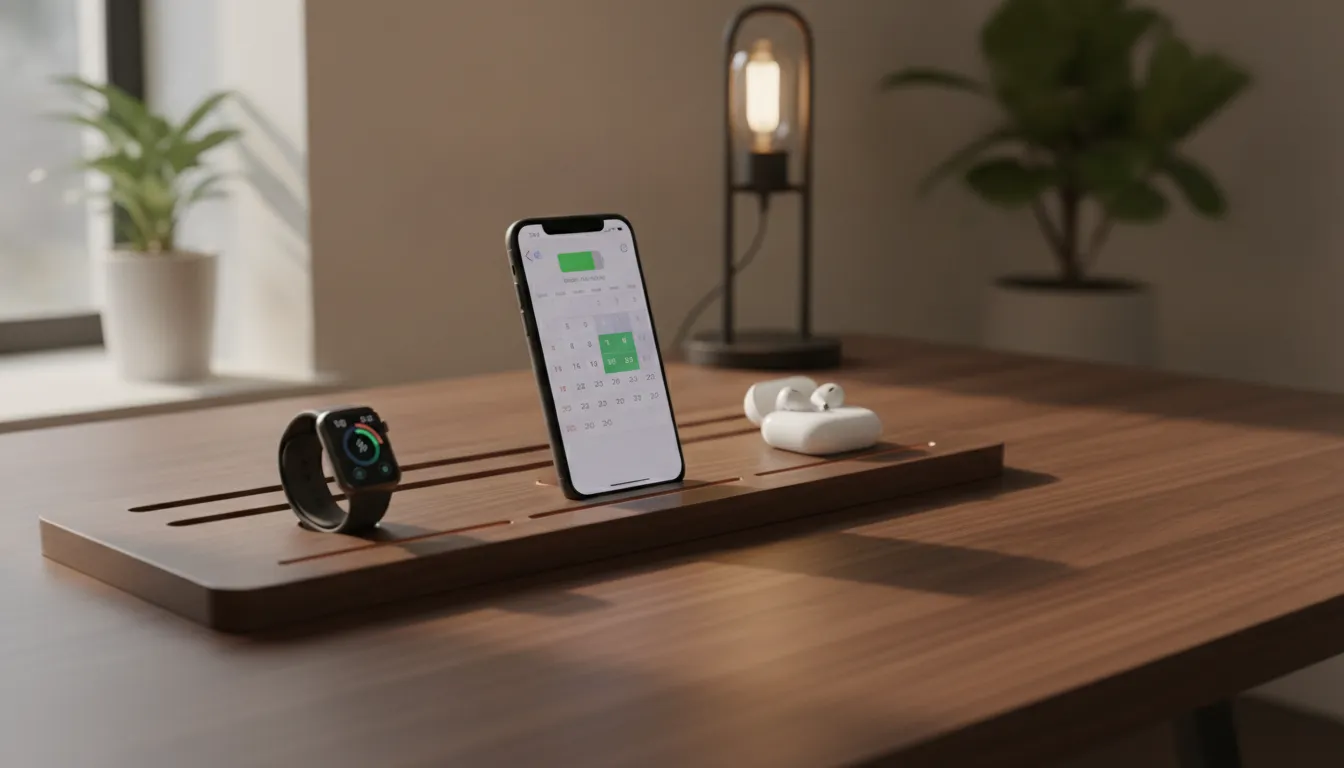
Position your charging station at the back corner or side of the desk to keep devices visible without crowding your work area. Route a single power cord behind or under the desk using clips. A one-cord station replaces four separate chargers and their cables, instantly simplifying your surface.
Building a professional workspace starts with a smart layout. A desk charging station organizer serves as the centerpiece of this setup. By placing your station within reach but away from the main work zone, you keep your primary surface clear for actual tasks.
Smart placement choices
The best spot for a charging station is often at the back corner or side of the desk. This keeps your Apple devices visible for notifications without crowding your mouse area. When items do not have a designated home, they consume both physical and mental energy. Choosing a station made from solid wood and leather helps it read as furniture rather than electronics. A single premium multi-device charging station can replace up to four separate chargers, simplifying your desk surface instantly.
Wire routing and control
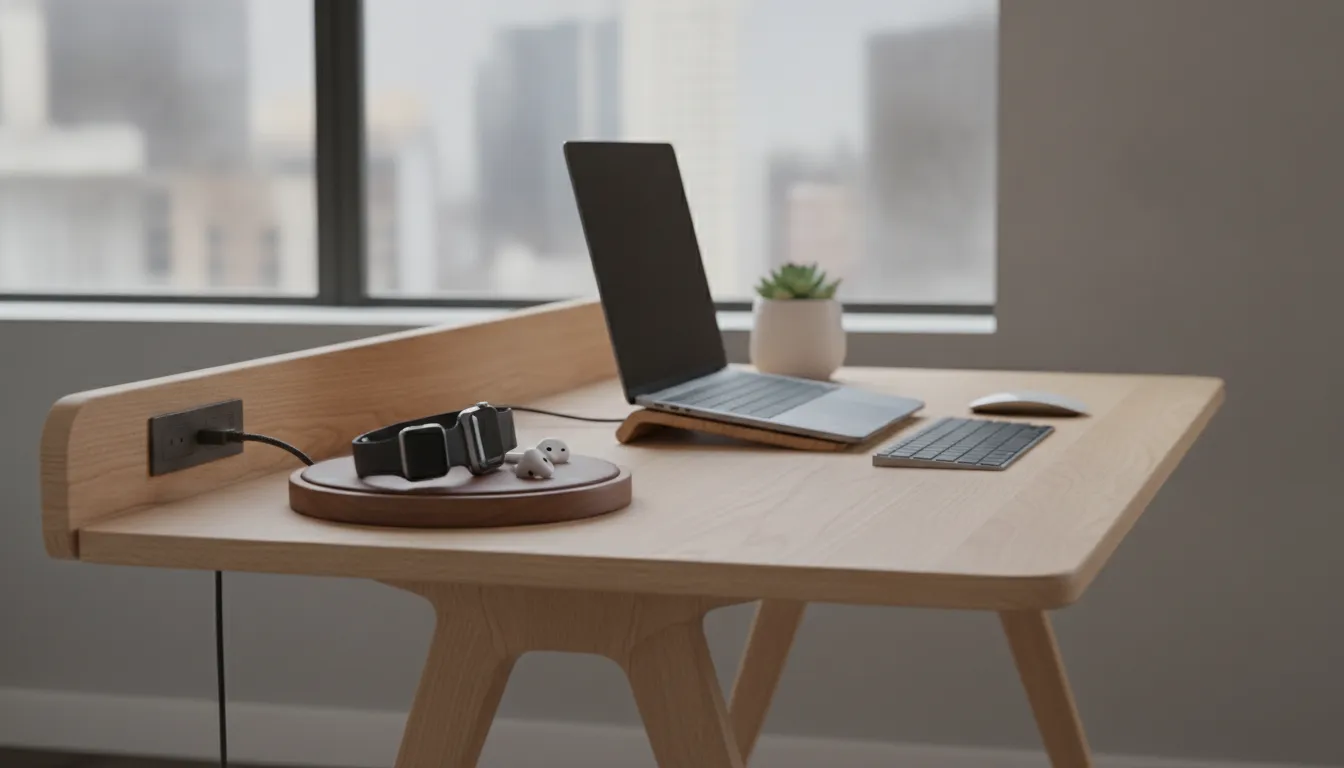
Cables are the main source of visual noise in a modern home office. To get a clean look, route the power cord from your station behind or under the desk using simple clips. Since NYTSTND stations use one cord to power multiple devices, you avoid the tangle of several different cables. A tidy desk does more than look good. It lowers stress and helps you feel in control of your environment.
Start organizing your workspace today. Browse NYTSTND MagSafe charging stations handcrafted from real wood and full-grain leather.
How Do Premium Charging Stations Compare to Basic Desktop Chargers?
Premium charging stations cost $80 to $200 and use solid wood, full-grain leather, and MagSafe technology for 15W fast charging. Basic chargers cost $12 to $30, use thin plastic and legacy Qi wireless, and typically support only one device. Premium stations last years and integrate with home decor; basic chargers often fail within months.
Choosing how to power your Apple devices comes down to two distinct categories. Basic desktop chargers found at big stores cost $12 to $30. Premium stations made of wood and leather cost $80 to $200. This price gap reflects meaningful differences in materials, performance, and longevity.
| Feature | Basic Chargers | Premium Stations |
|---|---|---|
| Price Range | $12 to $30 | $80 to $200 |
| Materials | Thin plastic and rubber | Solid wood and full-grain leather |
| Charging Tech | Legacy Qi wireless (5W to 10W) | 15W MagSafe optimized |
| Device Count | Usually 1 device | Up to 4 devices |
| Durability | Months of service | Years of service |
| Visual Style | Basic plastic appliance | Home decor furniture piece |
Better materials and long-term value
Most basic chargers use thin plastic that works at first but cracks or discolors after a few months. Premium stations use solid wood and full-grain leather that look better and last much longer. A well-made premium multi-device charging station can serve you for years. Buying a plastic charger often means replacing it every year, creating more waste and higher cost over time.
Faster speeds and automatic alignment
The charging technology inside these devices differs significantly. Basic pads use older Qi wireless, which requires precise placement. If the phone shifts slightly, charging stops entirely. Premium stations use MagSafe technology with magnets that snap your phone into the optimal position every time. This alignment enables 15W fast charging compared to the 5W or 10W of basic pads. With MagSafe, you never wonder whether your phone is actually charging.
Reducing visual noise on your desk
Your workspace is part of your home, not just a place to plug in devices. Basic chargers often have bright status lights and loose cables that add visual noise. A premium station replaces three or four separate plugs with one unified unit. By choosing a station that matches your desk, you make your office look intentional and curated. A clean desk charging station organizer ensures your tools are always ready and your space stays calm.
How Does Multi-Device Wireless Charging Work for Your Apple Workstation?
Multi-device charging stations use MagSafe technology to power an iPhone at 15W. An Apple Watch on its fast-charge puck, and AirPods on a Qi pad, all from a single power cord. Some models add a USB-C port for iPad charging. The station also enables Apple StandBy mode when the iPhone is placed in landscape orientation.
One station can handle everything a professional uses daily: iPhone, Apple Watch, and AirPods. Using a premium multi-device charging station lets you power these items simultaneously. Each tool has its own designated spot, so your space stays organized and ready.
Fast power for iPhone and Watch
Top stations use MagSafe to deliver 15W of fast power to your iPhone. Magnets ensure proper alignment every time. The Apple Watch gets a dedicated spot for its fast-charge puck, keeping your most essential wearable topped up. This setup ensures your primary tools are ready for calls, meetings, or the day ahead.
Space for AirPods and iPad
AirPods sit at the base of the hub on a Qi charging pad. This keeps them out of the way but always fully powered. Larger models like the NYTSTND QUAD can handle four items with a USB-C port for iPad charging. This keeps your complete Apple setup in one place using a single wall outlet.
Extra features that enhance your desk
- StandBy mode: Place your iPhone in landscape on the charger to activate a clock, calendar, or photo frame display
- Single cable: One cord from the wall replaces four separate chargers and their associated cables
- Premium materials: Real wood and leather make the station a design element rather than an eyesore
These features turn your charging station from a utility into a productive desk tool that enhances how you work.
Frequently Asked Questions
Does a home office desk charging station support fast charging for iPhone?
Yes. Premium stations deliver fast power at up to 15W using MagSafe technology. Magnets lock your phone into the optimal position every time, ensuring maximum power transfer. You get the fastest wireless charge available for your iPhone without needing multiple wall plugs or cables on your desk.
Can I charge an iPad on a multi-device charging station?
Yes, on the right model. A 4-in-1 station like the NYTSTND QUAD includes a USB-C port for iPad charging alongside wireless spots for your iPhone, Watch, and AirPods. This setup replaces multiple wall chargers with one compact unit that powers your entire Apple setup.
What is the difference between wireless charging stations and standard USB hubs?
Wireless charging stations use magnetic pads to power devices without cables, creating a clean look. USB hubs add ports but still need individual cables for each device. A charging station gives every tool a designated home, reducing visual noise and keeping your desk organized. One station typically handles your entire Apple carry from a single wall outlet.
Do home office charging stations come with a warranty?
Yes. Premium stations typically include a warranty for long-term protection. All NYTSTND products carry a 1-year warranty. Combined with solid wood and real leather construction, this coverage gives you confidence that your investment will serve you well beyond the typical lifespan of plastic chargers.
Ready to build your best Apple workspace charging station?
Setting up a home office desk charging station is more than a simple desk upgrade. It is an investment in how your workspace functions every day. A clean, organized desk helps you think clearly and work efficiently. You can start this change today and see the difference by tomorrow morning. Read our desk charging station organizer guide to plan your setup. Your new station will keep your desk tidy and your devices powered so you can focus on what matters most.
Explore NYTSTND's premium multi-device charging stations to find your ideal setup today.


