


Multi Device Charging Organizer for Apple Setups

A multi device charging organizer gives the phone, watch, and earbuds in an Apple setup a defined place to charge and rest. The right station does more than consolidate power. It makes the desk or nightstand feel intentional, keeps essential devices ready, and treats everyday technology as part of the room's design.
A multi device charging organizer is a dedicated station with separate positions for several devices, such as an iPhone, Apple Watch, and wireless earbuds. It combines charging access with physical organization, so a daily setup stays easy to use, visually composed, and ready for the next morning.
Explore NYTSTND multi-device charging stations for an Apple setup with a more considered place to land.
Choosing one starts with the routine, not the largest number of charging points. Consider which devices charge together, where the station will live, and how much surface should remain available for other daily essentials. A useful organizer should feel natural at the end of the day and nearly automatic at the start of the next one.
What does a multi device charging organizer do?
A multi device charging organizer combines charging positions with a defined footprint. Instead of placing separate accessories wherever space happens to be available, the station gives each device a repeatable landing point. That structure makes the charging routine easier to follow and keeps the surface ready for work, reading, or sleep.
The category includes compact two-device docks, three-device stations for a typical Apple setup, and larger formats for shared spaces or an additional tablet. The best option is the one that matches the devices used in that location every day. Extra capacity is useful only when the footprint and reach remain comfortable.
Why designated positions improve the routine
A phone, watch, and earbud case move through several parts of a home during the day. A defined charging position gives each item a consistent destination when the workday ends or the evening begins. That small decision reduces searching, makes the station easy to reset, and keeps the next charge within the same familiar sequence.
Organization also protects the usable surface around the station. A desk can retain a clear writing and keyboard area. A nightstand can leave room for a lamp, book, or glass of water. The goal is not to hide every object. It is to give essential objects a coherent arrangement that supports how the room is used.
How it differs from a loose power strip
A power strip supplies access to outlets, but it does not determine where a phone, watch, or earbuds should sit. Each device still needs a separate charger, a suitable resting place, and a cable path across the surface. An organizer treats power access and placement as one design decision.
That distinction matters on smaller desks and nightstands. A station can keep charging points together while giving devices enough separation to be placed and removed comfortably. The result is a setup that looks deliberate when the devices are charging and remains useful when the surface is between routines.
How should one station support an Apple setup?
A well-planned station gives the daily carry a clear order: the phone stays visible. The watch has a dedicated charging point, and the earbuds return to the same place. Capacity should follow that routine. It should not be selected simply because a larger station appears more versatile.
Start with the phone, watch, and earbuds
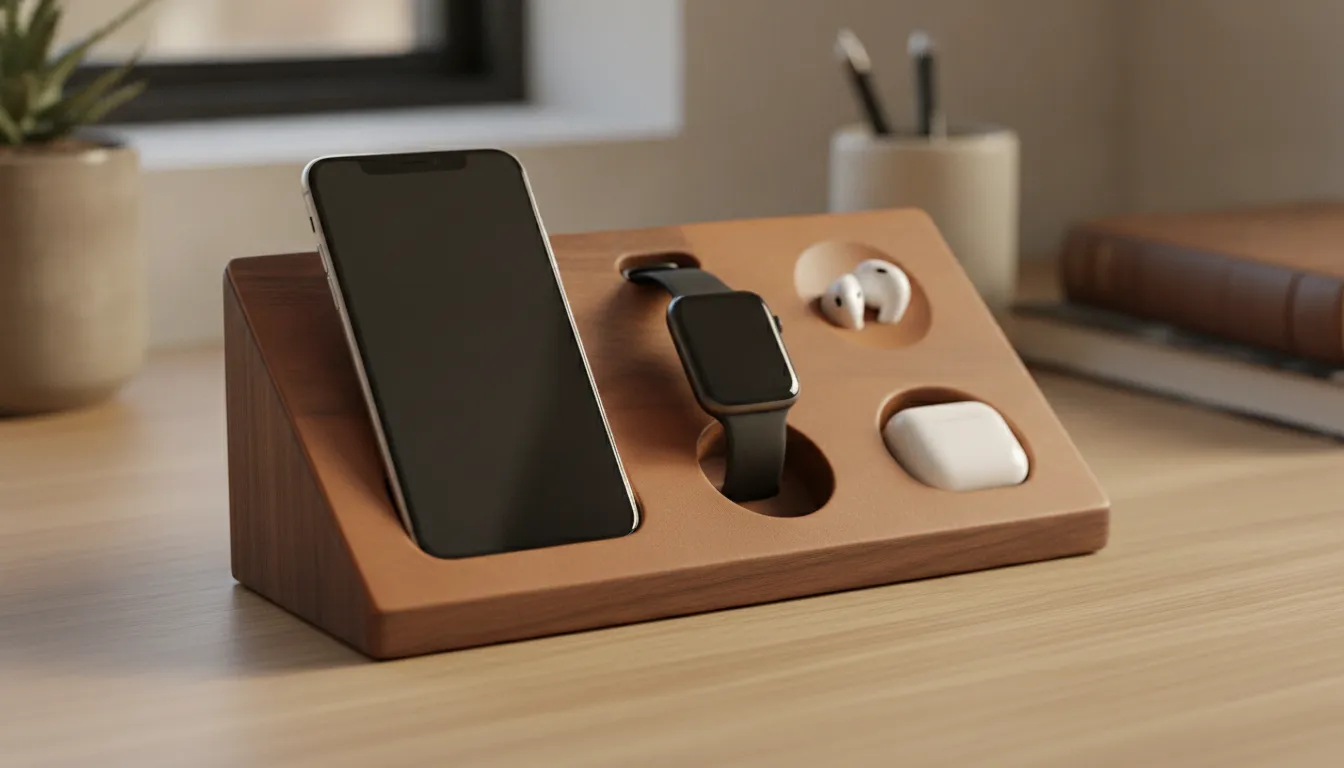
For many individual Apple setups, the core combination is an iPhone, Apple Watch, and wireless earbuds. A three-device station such as NYTSTND TRIO is designed around that arrangement. The phone remains easy to reach, while the watch and earbuds have their own positions rather than sharing one flat surface.
This format works especially well beside a bed or monitor. At night, each device can return to its assigned place in one motion. During the day, the phone can be lifted without disturbing the watch or earbud case. The arrangement is simple enough to maintain and complete enough to support the devices used most often.
Allow for a fourth device only when the routine needs it
A fourth position can support a second phone, a tablet, another set of earbuds, or a shared household device. In that situation, a four-device format such as NYTSTND QUAD can make the charging area more flexible. The larger format is most useful when all positions will be used regularly and every user can reach the station.
Before choosing four positions, measure the available width and depth. A larger organizer should not block a monitor, lamp, book, or the approach from the side of the bed. Capacity adds value when it serves a real pattern of use. Otherwise, a smaller station may be the more refined choice.
Which capacity fits a desk or nightstand?
Choose capacity by the devices that charge together in the same location. A focused nightstand may need one or two positions. A complete individual Apple setup generally calls for three. A shared desk or household station may justify four, provided the footprint leaves room for the rest of the routine.
| Capacity | Best fit | Planning note |
|---|---|---|
| One device | Focused phone charging | Keep the station compact and within reach. |
| Two devices | Phone plus watch or earbuds | Leave enough separation to place both devices easily. |
| Three devices | Phone, watch, and earbuds | A practical format for a complete individual Apple setup. |
| Four devices | Shared space or an additional tablet | Measure the footprint and approach from each side. |
- One device: Choose a compact format when the primary need is a phone at a bedside table, reading chair, or personal desk. Keep it within reach while leaving room for the items used around it.
- Two devices: Select two positions when a phone routinely charges with an Apple Watch or earbuds. Make sure both devices can be placed and removed without crossing over one another.
- Three devices: Use three positions for a phone, watch, and earbuds. This is the practical middle ground for a complete individual setup and the daily arrangement supported by TRIO charging stations.
- Four devices: Choose four positions for a shared surface, a work phone, or an additional tablet. A QUAD charging station is most useful when each position has a clear purpose.
Capacity should also account for reach. On a desk, the station can sit along the back or side edge, outside the keyboard and writing zone. At the bedside, it can sit toward the rear or outer corner, leaving the front area open for evening essentials. The right size preserves access while making each charging position obvious.
Why do materials matter in an organized charging setup?
Materials matter because a charging station remains visible throughout the day. Real wood and full-grain leather give the organizer tactile character and visual continuity with furniture, shelving, and other room details. The station can perform a practical job without looking temporary or out of place.
Real wood creates warmth and continuity
Wood introduces natural grain and subtle variation to a surface otherwise surrounded by glass, metal, and screens. An oak, walnut, or dark wood finish can connect the charging point to a desk, nightstand, or entry console. That relationship helps technology feel integrated into the room rather than treated as a separate visual category.
Material choice also affects the way an object feels to use. A grounded wood base gives the station a stable presence. It marks the charging area clearly without requiring bright color or prominent branding. For an accessory used several times a day, that sense of permanence supports a buy-once-buy-right approach.
Full-grain leather adds tactile structure
Full-grain leather brings a softer point of contact around the harder surfaces of a phone, watch, or earbud case. Its texture adds depth, while natural variation keeps the station from feeling uniform or disposable. Wood and leather together create a quiet material contrast that suits both workspaces and bedrooms.
Care should remain straightforward. Keep wood and leather away from unnecessary moisture, abrasive cleaners, and prolonged exposure to conditions that can affect the finish. A soft, dry cloth and a consistent place on the surface are usually enough for the daily reset. Review the specific care guidance supplied with the product before applying any cleaner.
How should a charging organizer be placed?
Place the organizer where each device naturally returns at the end of the day. It should be close enough to reach without stretching, while leaving the main working or reading area open. Cable routing should follow the rear edge of the surface, and bright indicators should face away from the bed when possible.
Use the desk's edge to protect the work zone
On a home office desk, place the station along the back or side edge. That position keeps the phone, watch, and earbuds accessible without putting them in the center of the keyboard or writing area. Route the power lead toward the nearest outlet along one deliberate path, then leave enough slack to lift the station for cleaning.
Reach matters more than distance alone. A phone should be easy to lift for a call and simple to return to its charging position. Smaller accessories should have a visible landing place rather than resting beside the station. This arrangement keeps the work surface ready while preserving access to the devices that support the day.
Make the nightstand support an evening reset
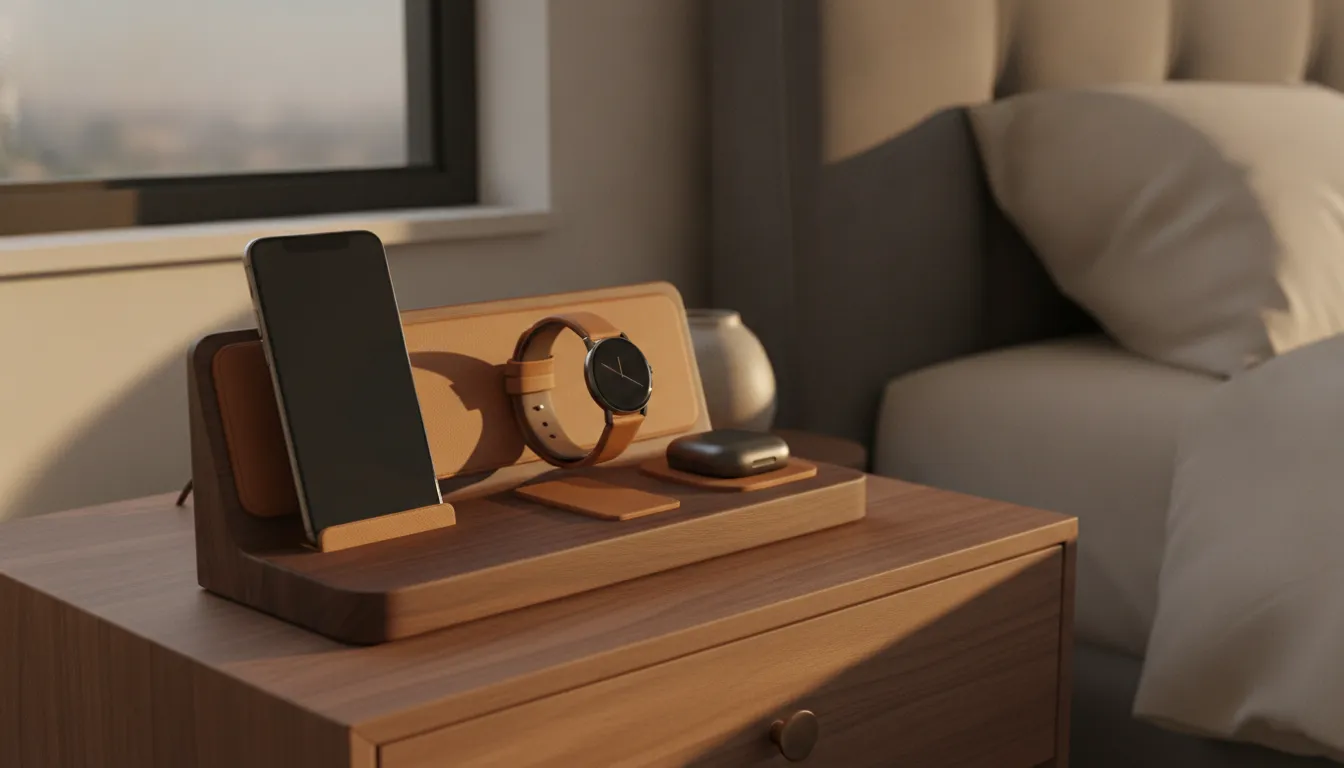
At the bedside, position the organizer toward the rear or outer corner, depending on the outlet and the side used for reading. Leave the front edge open for a book or other evening essential. Keep the cable contained behind the table, never across the reading area or in a path where it can catch.
Check the station's indicator lights before placing it beside the bed. Orient bright lights away from the pillow when possible, and avoid positioning the phone where an active display faces the bed. NYTSTND's guidance on sleep-friendly device charging offers additional context for a lower-stimulation evening routine.
What should you check before choosing one?
The right organizer matches device compatibility, capacity, footprint, material, and routine. Review those points together rather than selecting based on appearance alone. A beautiful station still needs to support the devices used every day and fit the surface where charging actually happens.
Confirm device fit and charging standard
List the devices that need a regular place to charge. For an Apple setup, that may include an iPhone, Apple Watch, AirPods, and an iPad or second phone. Then confirm that the station's charging points match those devices and the cases used with them. General wireless charging language is not a substitute for checking the product specifications.
MagSafe compatibility is useful when a supported iPhone needs magnetic alignment and a visible charging position. The phone can remain upright and accessible while the watch and earbuds occupy separate points. Confirm that the phone and case support MagSafe, then review the station's exact device compatibility before ordering.
Match the footprint to the room
Measure the usable surface, not just the empty area behind it. Include the space needed to place and lift each device, reach the station from a chair or bed, and keep the cable connection relaxed. On a shared desk, map the approach from both sides so one person does not need to move another device.
Choose a format that will stay useful
Consider how the setup may change after a device upgrade or a move between rooms. A compact DUO charging station suits a phone and one companion device. A single-device UNO station can support a focused charging point. TRIO and QUAD offer more positions when the daily routine requires them.
The most useful organizer is the one that remains easy to place, reach, clean, and reset. More positions do not automatically create a better setup. The strongest choice is proportionate to the room, clear in purpose, and made from materials that remain welcome on the surface.
Where does NYTSTND fit into a multi-device setup?
NYTSTND designs charging stations around the connection between device readiness and room design. The collection spans one- through four-device formats, so an individual nightstand, a professional desk, and a shared charging area can each have an appropriately scaled option.
The brand's wood and full-grain leather construction gives the charging point a considered material presence. The product line includes UNO for a focused single-device setup, DUO for two devices, TRIO for a phone, watch, and earbuds, and QUAD for four devices. This range makes capacity a practical design decision rather than a compromise between function and appearance.
For a charging point that also organizes everyday carry, the TRIO collection includes tray-style options. The NYTSTND story provides more context on the brand's material and craftsmanship approach. Together, the products and brand philosophy support a simple idea: the objects used every day deserve a place that works as well as it looks.
Build a more considered Apple charging setup with NYTSTND QUAD, TRIO, DUO, or UNO.
Frequently Asked Questions
What is the best capacity for an iPhone, Apple Watch, and AirPods?
A three-device organizer is usually the most direct fit for an iPhone, Apple Watch, and AirPods because each item has a designated charging position. Measure the desk or nightstand first, then confirm compatibility with the phone and case. A three-device format also leaves the routine complete without requiring the footprint of a four-device station.
Can a charging organizer sit on a nightstand?
Yes. A charging organizer works well on a nightstand when it stays within reach, leaves the front edge open, and keeps its cable routed behind the table. Position bright indicators away from the bed when possible. The best placement makes the final device reset simple without turning the nightstand into a second work surface.
Does MagSafe compatibility matter for a multi-device organizer?
MagSafe compatibility matters when a supported iPhone should align magnetically and remain visible while charging. It does not replace the need to check the watch and earbuds charging points. Confirm phone and case compatibility, then review the product specifications for the complete device combination before choosing a station.
Why choose wood and leather instead of plastic?
Wood and full-grain leather add natural texture, warmth, and visual continuity to a charging station that remains visible every day. They can work alongside furniture and other room details while giving the organizer a more durable, considered presence. Select the finish and care routine that suit the surface where it will live.
Next article


